AI Resource Library
Explore practical AI guides, reference materials, and downloadable resources for the University of Houston community.
Downloads & Quick References
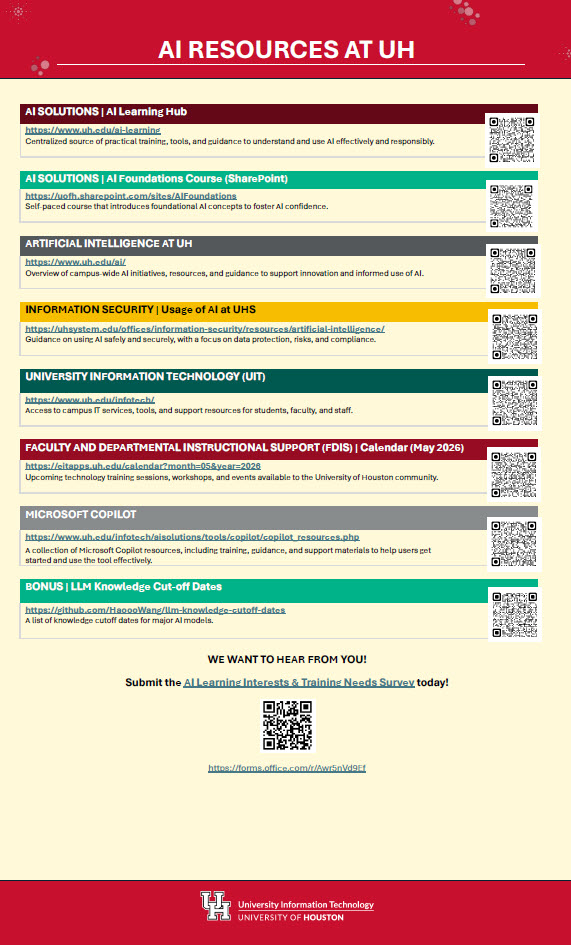
AI Resources Toolkit
A collection of AI resources, training links, QR codes, and university-supported tools to help faculty and staff learn, explore, and use AI effectively.
50+ ways to use Gemini in Higher Education
Explore 50+ practical ways higher education faculty, staff, researchers, leaders, and students can use Gemini and Gemini Notebook to support teaching, learning, research, productivity, and institutional workflows. This guide includes role-based examples, prompt ideas, and tool overviews to help users apply Google AI tools more effectively across campus.
Chats for University Educators
Explore practical, ready-to-use ChatGPT prompts designed specifically for higher education. This resource provides faculty with quick examples for lesson planning, content creation, assessment development, student support, and other teaching tasks to help save time and spark new ideas. You can also share your most effective ChatGPT conversations with fellow educators. *Do not enter confidential or student-identifiable information. Always verify AI-generated content for accuracy, bias, and appropriateness before use.
Ready-to-use AI Prompts for Higher Education
Practical AI prompt examples, created with educators worldwide, to help institutional users integrate Gemini into everyday workflows.
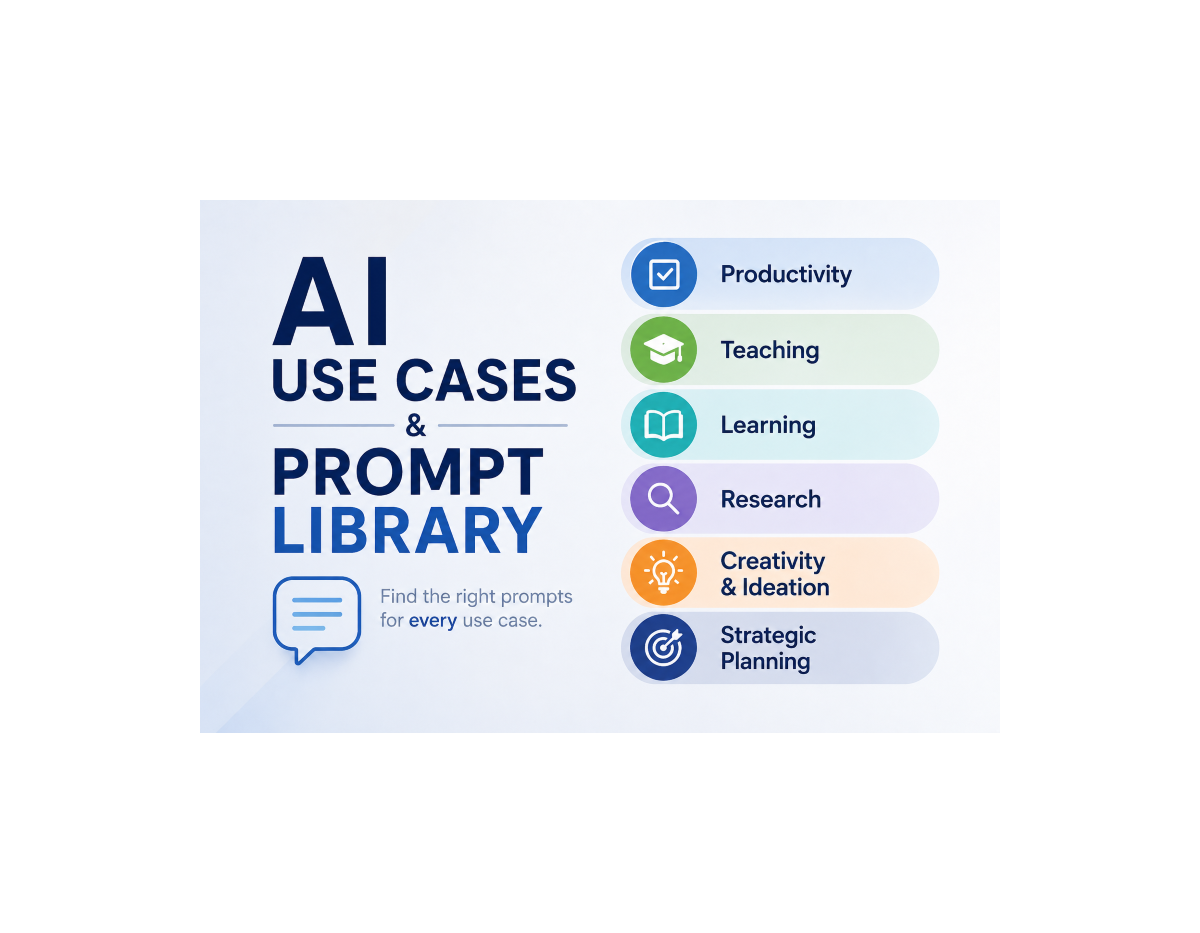
AI Use Cases and Prompt Library
Explore practical AI use cases and starter prompts designed for higher education. Browse examples across productivity, teaching, learning, research, creativity, and strategic planning, then adapt the prompts to support your own work with university-approved AI tools.
Prompting Guide 101
This Google Workspace guide offers practical tips, prompt-building strategies, and role-based examples to help users write more effective prompts with Gemini for Workspace.
Featured Learning

Deep Dive into Google Workspace's Gemini Notebook
Explore how Google Workspace’s Gemini Notebook helps teams manage information overload by summarizing trusted sources, answering questions with citations, generating mind maps, and creating audio overviews. The session also demonstrates how Gemini Notebook can support research, onboarding, sales preparation, knowledge sharing, and faster decision-making while keeping content grounded in user-provided sources.
Watch now
Unleash innovation without compromising security
As generative AI reshapes the workplace, Google Workspace with Gemini helps organizations balance innovation with strong privacy, security, and compliance controls. This webinar highlights ways to reduce AI misuse, protect organizational data, respect access permissions, and support compliance needs in the age of AI.
ChatGPT 101: A Guide to Your AI Superassistant
This introductory ChatGPT 101 webinar guides viewers through the basics of AI and ChatGPT, including how to navigate the interface, write effective prompts, upload and summarize files, analyze data, search the web, create images, translate content, and use voice features. The session also highlights practical workplace use cases and key considerations for using ChatGPT responsibly.
ChatGPT 102: Leveraging AI to Do Your Best Work
This ChatGPT 102 webinar builds on the basics by showing how to use ChatGPT for deeper research, project organization, custom GPTs, creative brainstorming, planning, meeting preparation, and internal communications. Viewers will see practical demos that highlight how ChatGPT can support more advanced workplace tasks and help them use AI more effectively in their daily work.
Microsoft Copilot Academy
Build your Microsoft 365 Copilot skills with Copilot Academy, a guided learning experience in Viva Learning. Explore Microsoft-curated resources that help you understand what Copilot can do, strengthen your AI skills, and apply Copilot more effectively in your daily work.
Copilot Studio
Learn how Microsoft Copilot Studio can help you build custom AI agents that answer questions, connect to data, and automate everyday tasks across Microsoft 365 and other channels—without needing advanced technical skills.