How to Select a Phone
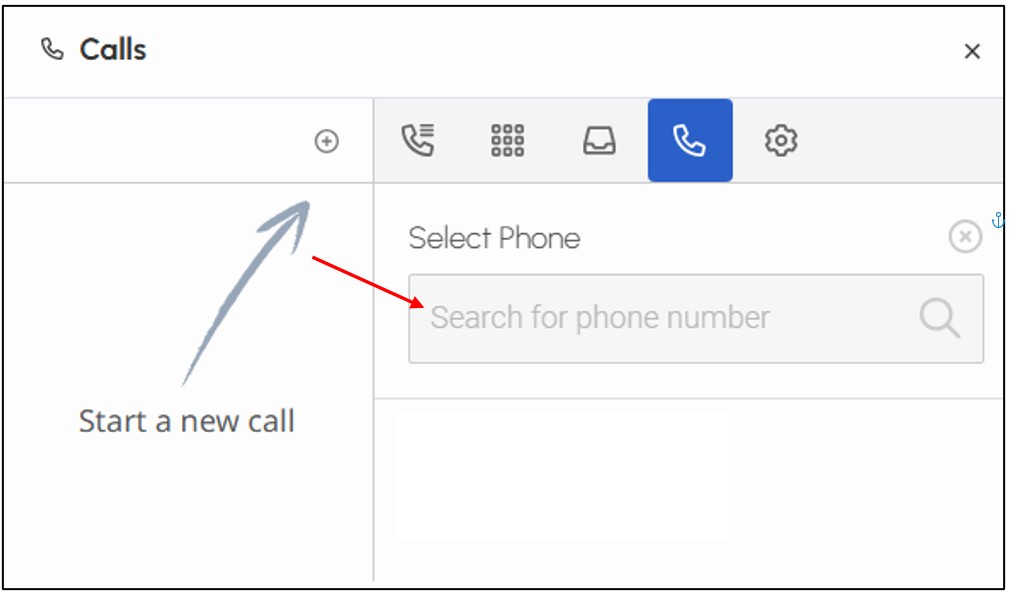
The first time you sign in to Genesys, you must select a phone before making or receiving
calls.
1. Select the person icon.
2. Select the option to add a Phone.
3. Enter your name.
4. Select your name when it comes up.
For Microsoft Teams related questions or problems, send email to unifiedcommunications@uh.edu.